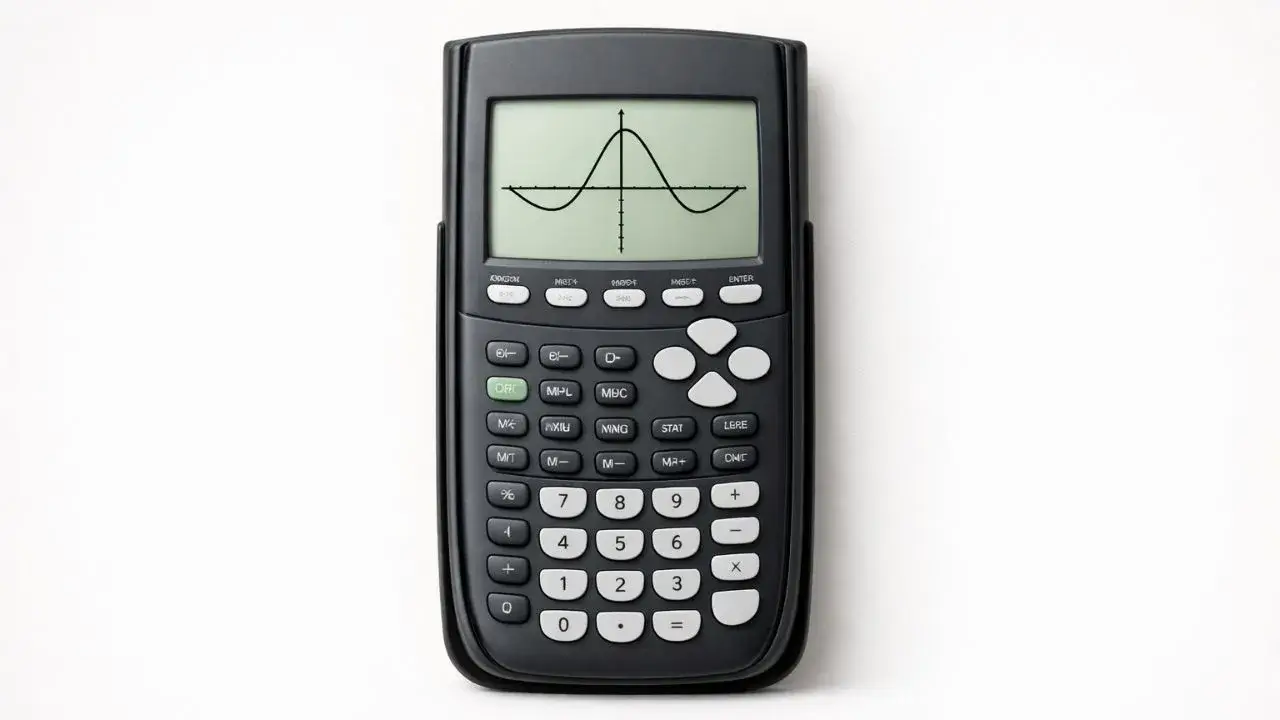
Many students can graph an equation on a TI 84 calculator but are unsure how to find the exact points where the graph crosses the axes. These points, called zeros and intercepts, are important because they represent solutions and key values in many math problems. Students often guess these points visually, which can lead to inaccurate answers.
This problem usually happens because students do not know which calculator tools to use or how to interpret the results correctly. In this guide, you will learn how to find zeros and intercepts on a TI 84 tool online step by step, using clear methods that students and teachers can trust.
What You Need Before Starting
Before finding zeros and intercepts, make sure the calculator is prepared correctly.
TI 84 Calculator Compatibility
This guide applies to:
- TI 84
- TI 84 Plus
- TI 84 Plus CE
All these models use the same graph and calculation features.
Required Calculator Settings
Before starting:
- Calculator must be in Function mode
- Graph window should be set clearly
- Only relevant equations should be active
Correct settings help ensure accurate results.
Math Prerequisites
You should understand:
- Basic graph concepts
- Meaning of x-axis and y-axis
- Simple linear or quadratic equations
No advanced algebra is required.
How to Use the TI-84 Calculator
The TI 84 calculator allows students to find zeros and intercepts by analyzing graphs. Once an equation is graphed, built-in calculation tools can identify where the graph crosses the axes. Using these tools provides exact values rather than visual estimates.
Learning how to move between graph view and calculation options is essential for finding accurate results.
Step-by-Step Solution Using TI 84
We will use a sample equation:
y = x² − 4
Step 1: Enter the Equation
- Press Y=
- Enter
X^2 - 4next to Y₁ - Press ENTER
The equation is now stored.
Step 2: Graph the Equation
- Press GRAPH
- A curved graph should appear on the screen
If the graph is not visible, reset the graph window.
Step 3: Find the Zeros (x-intercepts)
- Press 2nd → TRACE
- Select 2:Zero
- Move the cursor to the left of the first intercept and press ENTER
- Move to the right of the intercept and press ENTER
- Press ENTER to confirm
The calculator displays the x-value of the zero.
Step 4: Find the Second Zero
- Repeat the zero-finding steps for the other side of the graph
Quadratic graphs usually have two zeros.
Step 5: Find the y-intercept
- Look at where the graph crosses the y-axis
- This point occurs when x equals zero
You can also read this value directly from the equation.
Step 6: Interpret the Results
- Zeros represent where y equals zero
- The y-intercept represents the value of y when x is zero
Understanding these values helps solve many math problems.
Common Mistakes and How to Fix Them
Mistake 1: Guessing Intercepts Visually
Why it happens:
Students rely on the picture instead of calculator tools.
Fix:
Use the zero-finding option to get exact values.
Mistake 2: Incorrect Cursor Placement
Why it happens:
Bounds are placed too close together.
Fix:
Place left and right bounds clearly around the intercept.
Mistake 3: Graph Window Hiding Intercepts
Why it happens:
The graph window is too zoomed in or out.
Fix:
Reset or adjust the graph window.
Using the Online TI-84 Tool
The same steps can be practiced using the TI 84 Calculator Tool available on this website. The online tool allows students to graph equations, find zeros, and identify intercepts accurately without needing a physical calculator.
Finding zeros and intercepts on a TI 84 calculator is an important skill for understanding graph solutions. Many errors occur when students estimate values visually instead of using calculator tools. By graphing equations correctly and using the zero-finding feature, students can identify intercepts accurately.
- How to Solve Quadratic Equations on TI 84 Calculator
- How to Use Graph Mode on TI 84 Calculator
- How to Read Graph Results on TI 84 Calculator
It depends on the equation. Some graphs have two zeros, one zero, or none.
Yes, finding zeros graphically gives the solutions to the equation.
A zero is the x-value where the graph crosses the x-axis and y equals zero.
This usually happens because the graph window needs adjustment.










2 thoughts on “How to Find Zeros and Intercepts on TI 84 Calculator”