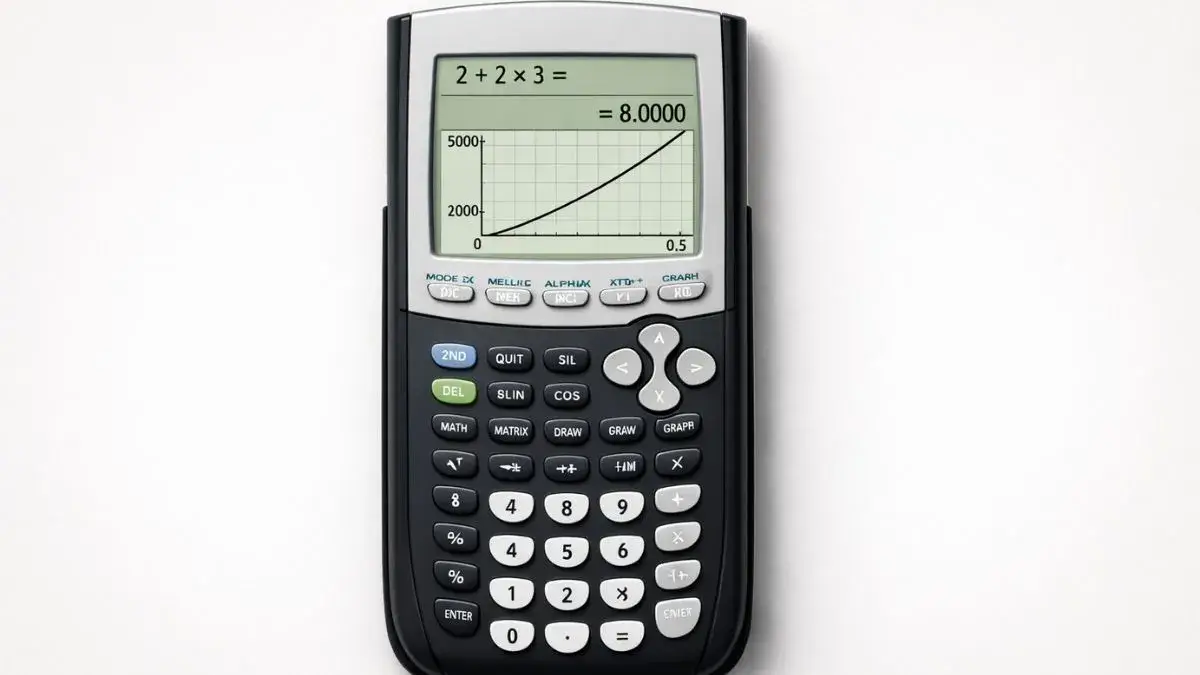
You punch in a calculation, get a number back, and it doesn’t match what your textbook or teacher says it should be. The first instinct is to assume the calculator is broken. It almost never is. A TI-84 follows exact mathematical rules with no room for interpretation if the answer is wrong, something about the input or a setting told it to be wrong.
Here’s how to actually find which one it is, instead of guessing.
Does this apply to your TI-84?
Yes, across the TI-84, TI-84 Plus, and TI-84 Plus CE. The menus and fixes below are the same on all three.
What are the most common reasons a TI-84 gives wrong answers?
1. Degree mode vs. radian mode
This is the most common one by far, and it only shows up with trig functions. sin(30) gives a completely different answer depending on whether the calculator is reading 30 as degrees or radians and most school math expects Degree mode, while the TI-84 sometimes defaults to Radian.
Fix it:
- Press MODE
- Highlight Degree on the third row (unless your class specifically works in radians)
- Press ENTER, then CLEAR
2. Missing or misplaced parentheses
The calculator applies order of operations strictly, with zero flexibility for what you “meant.” Typing 2+3^2 gives 11, not 25 because the exponent only applies to the 3. If you wanted (2+3)² = 25, you have to type the parentheses yourself.
This trips people up most with fractions and negative exponents. 1/2x is read as (1/2)·x, not 1/(2x) if you meant the second one, you need 1/(2x) explicitly.
3. A leftover value stored in a variable
This is the cause almost nobody checks, and it’s a real one. The TI-84 stores whatever value X (or Y, A, T, etc.) last held from a graph, the equation solver, or a previous calculation and keeps using it until you overwrite it. If you graphed something with X earlier and then go to the home screen and type X+5, you won’t get a general expression; you’ll get a number, using whatever X was last set to. It looks like the calculator is malfunctioning when it’s actually just remembering something you forgot about.
Fix it: Press STO→, then the variable, then 0, then ENTER to clear it or press the MEM menu and reset if several variables are suspect.
4. Display mode rounding the answer
If MODE has the number of decimal places set to something other than Float (say, fixed at 2 decimals), the calculator will show a rounded value, not the exact one and that rounded value can look “wrong” against a textbook answer that shows more digits. This isn’t an error; it’s a display setting.
Fix it: Press MODE, select Float on the second row, press ENTER.
5. A graph that looks wrong isn’t necessarily calculating wrong
If the issue is really a graph shape, not a computed number, the actual cause is usually the viewing window, not the math. A correct graph can look completely wrong if Xmin/Xmax/Ymin/Ymax don’t include the relevant part of the curve. That’s a separate issue from calculation errors if your graph isn’t appearing at all rather than looking off, that’s covered in a dedicated troubleshooting guide.
6. Old equations or stat plots still active
Leftover equations in Y= or an active Stat Plot from an earlier assignment can interfere with both graphing and certain calculations that reference lists. Clearing what you’re not using (Y=, then turn off unused lines) removes one more variable from the troubleshooting process.
A cleaner way to test your work
If you want to rule out whether an old stored variable or setting is the culprit, the TI-84 Calculator Tool on this site runs in a fresh state every time no leftover X value, no stat plots, no display mode carried over from a previous session. It’s a fast way to confirm what the “correct” answer should look like before you go digging through your physical calculator’s settings.
FAQ
Why does my TI-84 give a different answer than my textbook for a trig problem?
Almost always a Degree/Radian mismatch. Check MODE and confirm Degree is selected for standard trigonometry.
Why does my TI-84 give a number instead of an expression when I use a variable like X?
The calculator is using a value already stored in that variable from an earlier graph or calculation. Clear it with STO→, the variable, 0, ENTER.
Why does my TI-84 answer look rounded compared to the exact value?
Your display mode is likely set to a fixed number of decimals instead of Float. Change it under MODE.
Can old Stat Plots affect regular calculations, not just graphs?
Yes, if a calculation references a list tied to an active plot with unexpected or missing data. Turning off unused Stat Plots (2nd → Y= → PlotsOff) rules this out.
Is it possible the calculator itself is actually broken?
It’s rare. Hardware faults on a TI-84 usually show up as a completely unresponsive screen or keys, not selectively wrong numeric answers. A wrong answer with an otherwise functioning calculator is a settings or input issue in the overwhelming majority of cases.