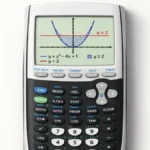
How to Read Graph Results on TI-84 Calculator
January 27, 2026

To read graph results on a TI-84, press GRAPH, press TRACE to move along the curve and read exact X...
Read more
Common TI-84 Calculator Mistakes and Fixes
February 24, 2026

Most “my TI-84 is broken” moments aren’t the calculator’s fault. They’re small input habits that are easy to pick up...
Read more
How to Find the Y-Intercept on TI-84 Calculator
March 9, 2026
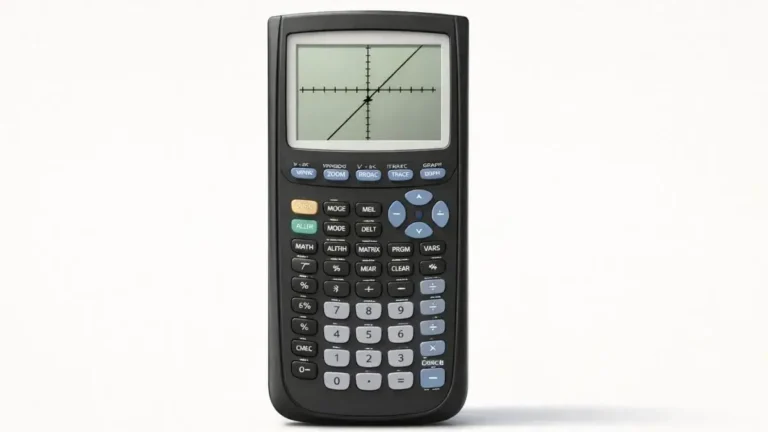
Graph the function, press 2nd + TRACE, choose 1: value, type 0 for X, and press ENTER. The y-value shown...
Read more
How to Find X-Intercepts on TI-84 Calculator
March 12, 2026
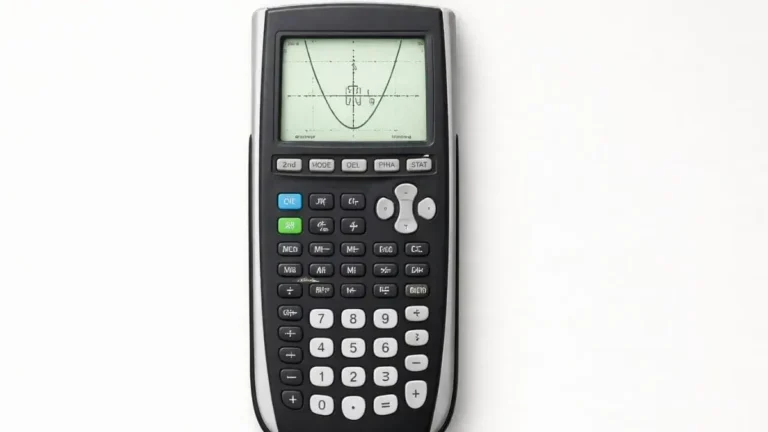
Graph the function, press 2nd + TRACE, choose 2: Zero, then set a left bound, a right bound, and a...
Read more
How to Solve Inequalities on TI-84 Calculator
March 19, 2026

The TI-84 doesn’t solve inequalities directly, but you can solve them by graphing each side as its own function, finding...
Read more
How to Use Table Feature on TI-84 Calculator
March 29, 2026
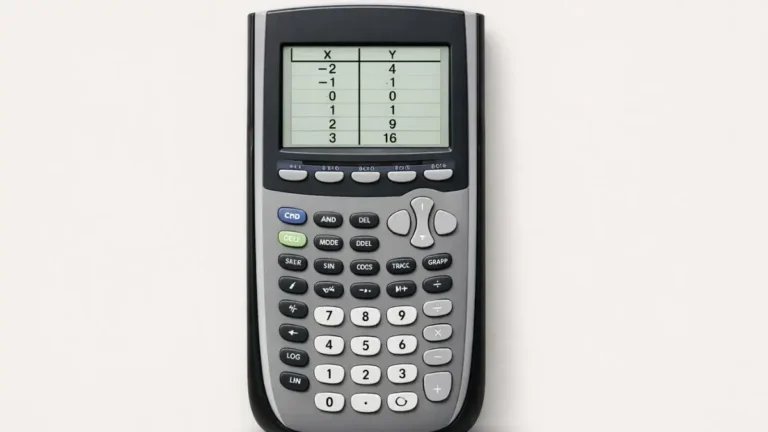
The table feature lists exact x and y values for any equation stored in Y=. Press 2nd + WINDOW (TBLSET)...
Read more
How to Graph Quadratic Functions on TI-84 Calculator
February 14, 2026

A parabola behaves differently from a line in ways that actually matter for how you enter and read it on...
Read more
How to Graph Linear Functions on TI-84 Calculator
February 10, 2026

Graphing a line that’s already in y = mx + b form is the easy part. Where students actually get...
Read more
How to Solve Systems of Equations on TI-84 Calculator
February 3, 2026

Graphing two lines and finding where they cross works fine for a two-variable system. It stops working the moment you...
Read more
How to Solve Quadratic Equations on TI-84 Calculator
February 1, 2026

Graphing a parabola and finding where it crosses the x-axis works well when you want to see the equation visually...
Read more