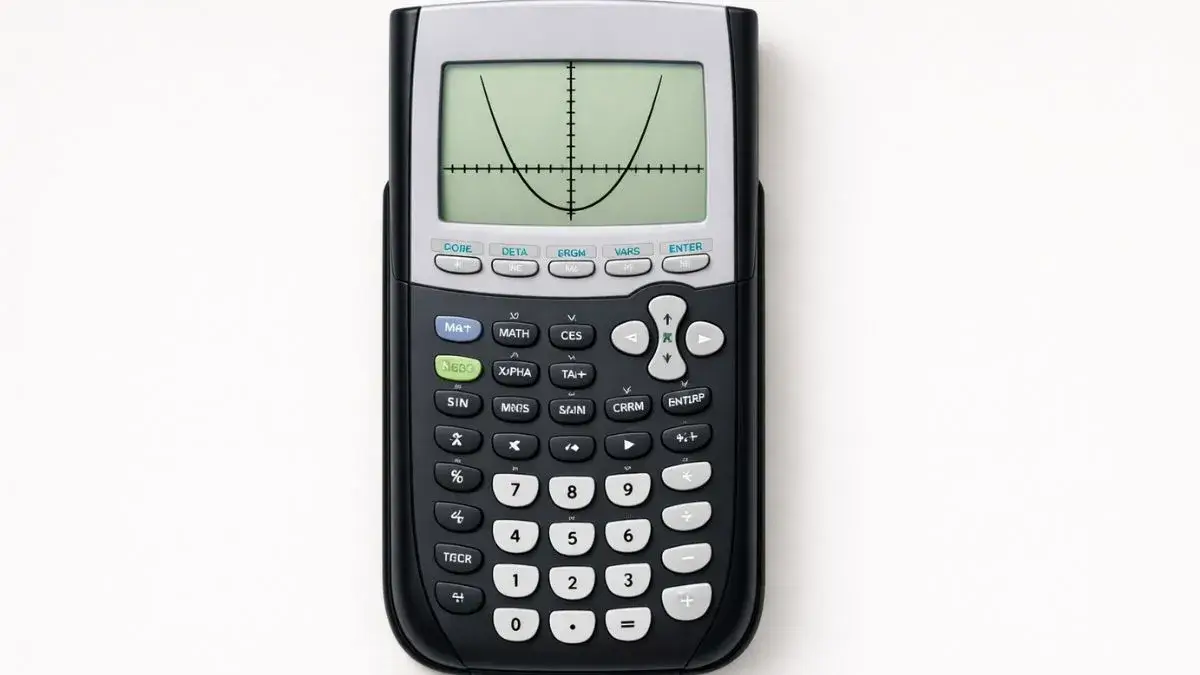
A parabola behaves differently from a line in ways that actually matter for how you enter and read it on a TI-84 the shape changes based on coefficients you can predict before you even graph, and the form the equation is written in changes how easy it is to spot the vertex. This guide covers both standard form and vertex form, plus what the numbers in the equation tell you before you press GRAPH at all.
Does this apply to your TI-84?
Yes, TI-84, TI-84 Plus, and TI-84 Plus CE all graph quadratics the same way.
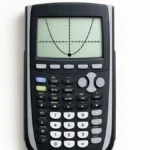
Graphing from standard form (y = ax² + bx + c)
Example: graph y = x² − 4x + 3
- Press Y=
- Type
X^2-4X+3— use the ^ key for the exponent - Press GRAPH
- If nothing appears, press ZOOM, then 6: ZStandard
Graphing from vertex form (y = a(x − h)² + k)
Vertex form is worth using when you already know or want to emphasize the vertex, since (h, k) is the vertex directly no calculation needed to find it once graphed.
Example: graph y = 2(x − 3)² + 1 (vertex at (3, 1))
- Press Y=
- Type
2(X-3)^2+1the parentheses around (X-3) are required; without them, the exponent only applies to X, not the whole expression - Press GRAPH
This graphs the same type of parabola as standard form it’s the same underlying shape, just written to make the vertex obvious at a glance instead of requiring the CALC menu or the axis of symmetry formula to find it.
What does the leading coefficient (a) tell you before you even graph?
You can predict the parabola’s basic shape from the equation alone, which helps you set a reasonable graph window before hunting for one:
- Sign of a positive means the parabola opens upward (a minimum point); negative means it opens downward (a maximum point)
- Size of |a| a large value (like 5) makes the parabola narrow, rising or falling steeply; a small value (like 0.2) makes it wide and flat
Knowing this in advance helps explain why a parabola might look “too flat” or “too steep” and cut off in the default window — it’s often just a, not a mistake.
How do I find the vertex without switching to vertex form?
If your equation is in standard form and you don’t want to convert it, there are two options:
Axis of symmetry formula the vertex’s x-coordinate is always x = −b/(2a). Calculate this by hand or on the home screen, then substitute it back into the original equation to get the y-coordinate.
CALC menu press 2nd, then TRACE, and select 3: minimum (if the parabola opens up) or 4: maximum (if it opens down). This is covered in full detail, including bound selection, in the dedicated vertex guide.
How do I find the x-intercepts?
Press 2nd, then TRACE, and select 2: zero. Set bounds around each x-intercept individually a parabola typically has up to two, and it’s easy to find one and assume you’re done. If the parabola doesn’t cross the x-axis at all, it has no real x-intercepts, which the graph shape (opening away from the axis entirely) will make visually clear.
Common mistakes and how to fix them
Missing parentheses in vertex form. 2X-3^2+1 is not the same as 2(X-3)^2+1 without the parentheses, the exponent only applies to the 3, breaking the entire shape of the parabola.
Assuming a flat-looking curve is wrong. A small |a| value produces a genuinely wide, flat-looking parabola that’s expected behavior, not a graphing error. Check the coefficient before assuming something’s broken.
Confusing the vertex with an x-intercept. The vertex is the parabola’s turning point; x-intercepts are where it crosses the x-axis. A parabola with no real solutions still has a vertex — the two aren’t dependent on each other.
Forgetting the squared term’s exponent entirely. Leaving out the ^2 turns a parabola into a straight line, which is a common accidental typo, not a calculator issue.
Practice both forms
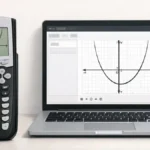
The TI-84 Calculator Tool on this site graphs both standard and vertex form the same way as the physical calculator useful for comparing how the same parabola looks when written each way.
FAQ
What’s the difference between graphing standard form and vertex form on a TI-84?
Both produce the same parabola. Vertex form (y = a(x−h)²+k) makes the vertex (h, k) readable directly from the equation, without needing the CALC menu or axis of symmetry formula.
How can I tell if a parabola opens up or down before graphing it?
Check the sign of the leading coefficient (a). Positive opens upward; negative opens downward.
Why does my parabola look flat and wide instead of curved sharply?
A small leading coefficient (like 0.1 or 0.25) produces a wide, gently curving parabola this is expected, not an error.
What’s the fastest way to find a parabola’s vertex without vertex form?
Use the axis of symmetry formula, x = −b/(2a), to find the x-coordinate, then substitute it back into the equation for the y-coordinate or use the CALC menu’s minimum/maximum option directly on the graph.
Why does my vertex form equation graph incorrectly?
Almost always a missing parenthesis around the (x − h) portion without it, the exponent only applies to part of the expression instead of the whole binomial.





1 thought on “How to Graph Quadratic Functions on TI-84 Calculator”