How to Use Table Feature on TI-84 Calculator
March 29, 2026
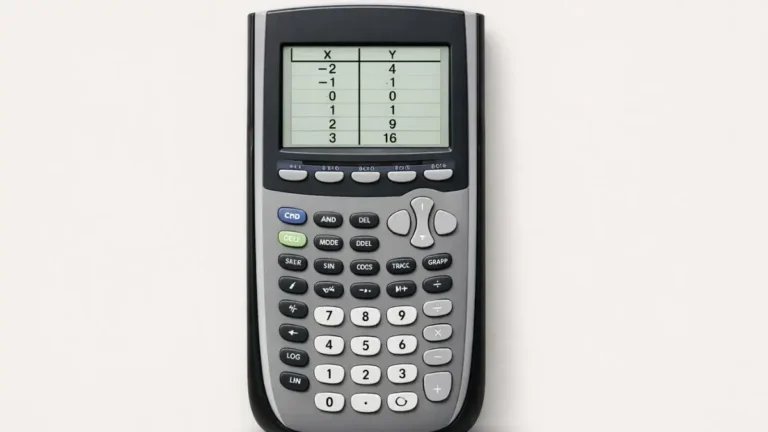
The table feature lists exact x and y values for any equation stored in Y=. Press 2nd + WINDOW (TBLSET)...
Read more
How to Solve Inequalities on TI-84 Calculator
March 19, 2026

The TI-84 doesn’t solve inequalities directly, but you can solve them by graphing each side as its own function, finding...
Read more
How to Find X-Intercepts on TI-84 Calculator
March 12, 2026
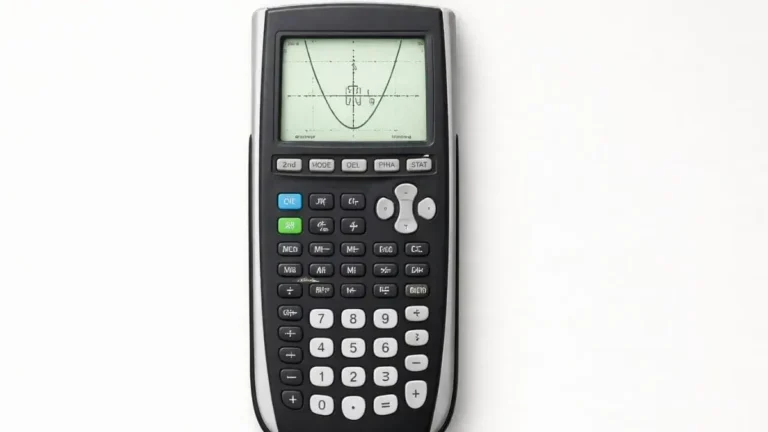
Graph the function, press 2nd + TRACE, choose 2: Zero, then set a left bound, a right bound, and a...
Read more
How to Find the Y-Intercept on TI-84 Calculator
March 9, 2026
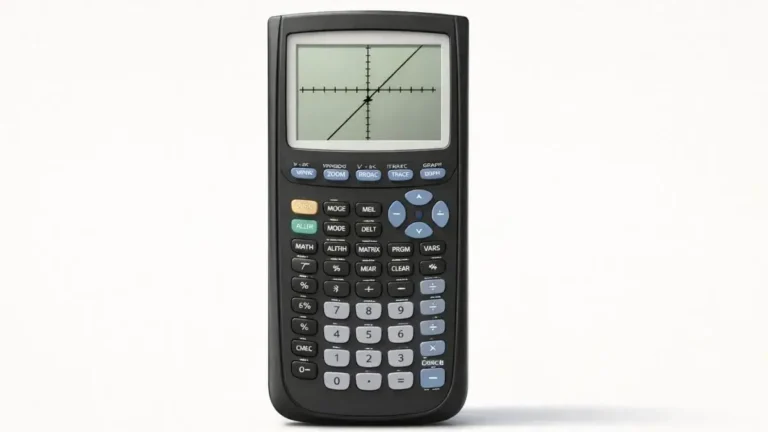
Graph the function, press 2nd + TRACE, choose 1: value, type 0 for X, and press ENTER. The y-value shown...
Read more
How to Find the Vertex on TI 84 Calculator
March 7, 2026

Quadratic functions create a curved graph called a parabola. One of the most important points on this graph is the...
Read more
TI-84 Calculator Online vs Physical Calculator
March 4, 2026
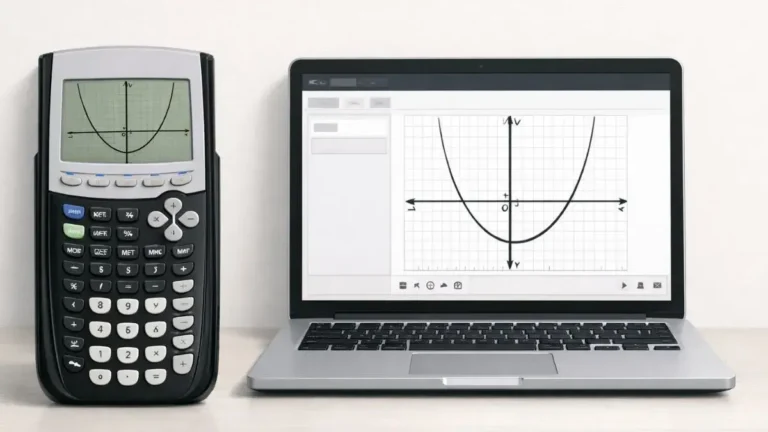
If you’re deciding whether to buy a physical TI-84 or just use an online version, the honest answer is: you’ll...
Read more
TI-84 Calculator Not Graphing? Fix It Fast
March 2, 2026
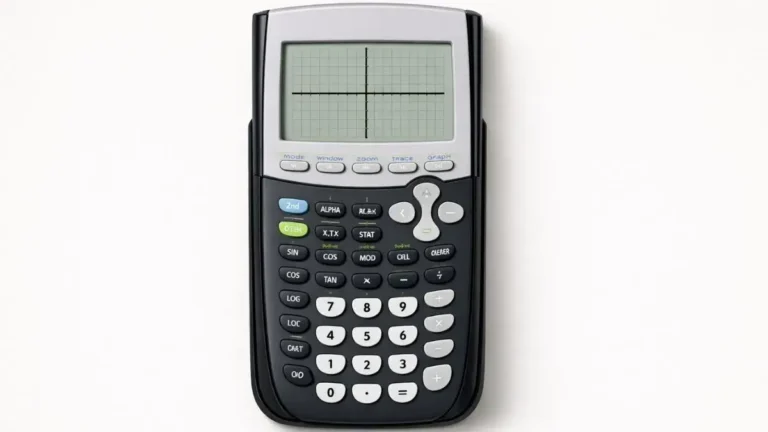
You type in an equation, hit GRAPH, and… nothing. No parabola, no line, just a blank coordinate plane staring back...
Read more
Why TI-84 Calculator Shows Wrong Answers
February 28, 2026

You punch in a calculation, get a number back, and it doesn’t match what your textbook or teacher says it...
Read more
Common TI-84 Calculator Mistakes and Fixes
February 24, 2026

Most “my TI-84 is broken” moments aren’t the calculator’s fault. They’re small input habits that are easy to pick up...
Read more
How to Clear Memory on TI-84 Calculator Safely
February 22, 2026

A “Memory Full” message on a TI-84 doesn’t mean anything is broken it means RAM has filled up with programs,...
Read more