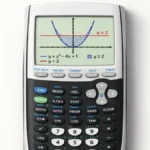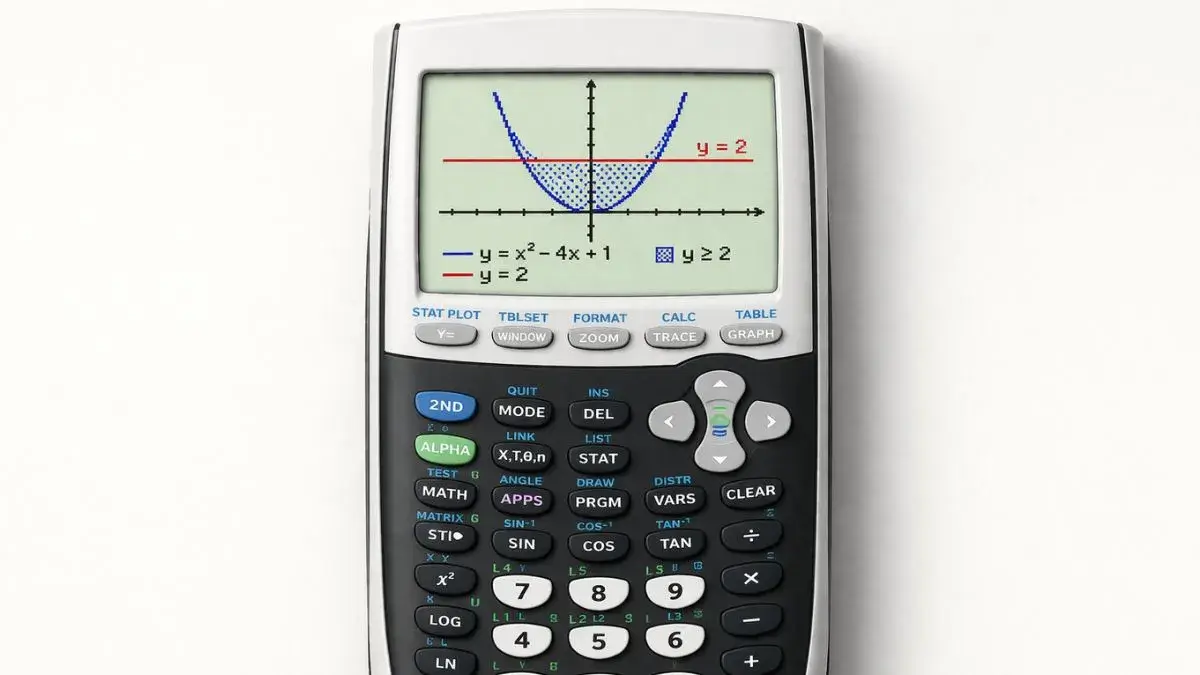
The TI-84 doesn’t solve inequalities directly, but you can solve them by graphing each side as its own function, finding where the two graphs intersect, and reading which region satisfies the inequality.
Does this apply to your TI-84?
Yes, TI-84, TI-84 Plus, and TI-84 Plus CE all handle this graph-and-compare method the same way.
What should be set up before I start?
The calculator should be in Function mode (MODE, then Func), and both sides of the inequality need to be entered in the Y= screen. You’ll also need a window that shows where the two graphs cross; if you can’t see the crossing, use ZOOM 6 (ZStandard) or adjust the window using the graph window guide.
How does the graph method work?
Split the inequality into two functions, one for each side, and graph both. Where one graph sits above the other, that side is greater. The x-values where they cross are the boundaries of your answer.
For x² > 4, enter:
- Y1 = x²
- Y2 = 4
The solution is wherever the parabola (Y1) is above the horizontal line (Y2).
How do I solve x² > 4, step by step?
- Enter both sides. Press Y=, type
X^2in Y1 and4in Y2. - Graph them. Press GRAPH. You’ll see a parabola and a horizontal line.
- Find the intersections. Press 2nd + TRACE (CALC), choose 5: intersect, then press ENTER at the first curve, ENTER at the second curve, and move the cursor near the crossing point and press ENTER once more. Repeat for the other crossing. The points are x = -2 and x = 2.
- Find where Y1 is above Y2. The parabola is above the line to the left of x = -2 and to the right of x = 2.
- Write the answer. x < -2 or x > 2, which in interval notation is (-∞, -2) ∪ (2, ∞).
How do I know which region is the answer?
Use this rule:
- Greater than (> or ≥): the region where the left-side graph is above the right-side graph.
- Less than (< or ≤): the region where the left-side graph is below the right-side graph.
For x² < 4, the same graph gives the opposite region: the parabola is below the line between the crossings, so the answer is -2 < x < 2.
What about ≥ and ≤ versus > and <?
The graph shows the boundaries but not whether they’re included. Strict inequalities (> and <) leave the boundary values out, which means open parentheses in interval notation. Inequalities with “or equal to” (≥ and ≤) include them, which means square brackets. For x² ≥ 4 the answer becomes (-∞, -2] ∪ [2, ∞).
Is there a quicker way to check the answer?
Yes. On the Y= screen, press 2nd + MATH (TEST) and enter the inequality itself in Y1, for example X^2>4. When you graph it, the calculator draws a value of 1 wherever the statement is true and 0 where it’s false, so the solution regions show up as a raised line. It’s a quick sanity check on the regions you found.
Common mistakes and how to fix them
Only one side is graphed. The inequality has two sides, and both need to be in Y=. Move any constants and expressions so each side has its own Y line.
The answer region is backwards. Check which graph is higher where you’re reading. If the left side is above, that’s greater than.
The crossing points aren’t visible. The window is hiding them. Use ZStandard, or widen Xmin and Xmax until both graphs cross on screen.
Intersect returns the wrong point. The guess cursor was too far from the crossing. Redo the intersect step and place the cursor closer to the point you want.
A Y line is greyed out or not graphing. The equals sign on that line isn’t highlighted. Move to it and press ENTER to turn it on.
Practice with the online tool
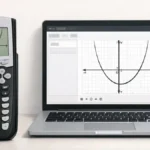
The TI-84 Calculator Tool on this site lets you graph both sides of an inequality, compare their positions, and check your solution intervals without a physical calculator.
FAQ
Can the TI-84 solve inequalities directly?
No. The standard TI-84 has no inequality solver, so you solve them by graphing each side and comparing the graphs, as shown above.
How do I solve a linear inequality like 2x + 3 < 9?
Enter Y1 = 2x + 3 and Y2 = 9, graph them, and use intersect to find where they cross (x = 3). The line Y1 is below Y2 to the left of that point, so the answer is x < 3.
How do I enter ≥ or ≤ on the TI-84?
Press 2nd + MATH (TEST) and pick ≥ or ≤ from the list. You only need these if you’re using the true/false check; for the graph method, you handle “or equal to” when you write the final answer.
Why does my graph show only one line?
One of the two equations is either not entered or turned off. Open Y= and make sure both equals signs are highlighted.