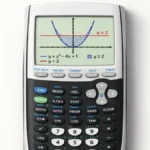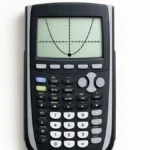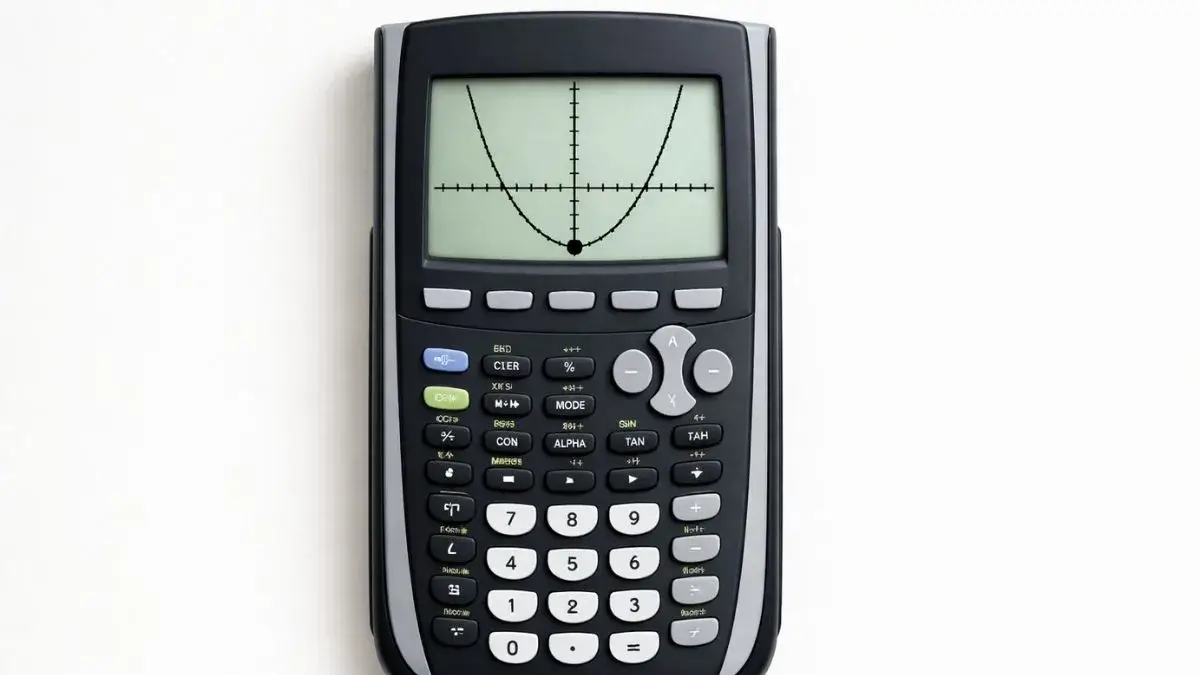
Quadratic functions create a curved graph called a parabola. One of the most important points on this graph is the vertex, which represents the highest or lowest point of the parabola. Many math problems require students to find this point accurately.
While the vertex can be calculated using algebra, the TI 84 graphing calculator provides a faster method using graph analysis tools. By graphing the quadratic function and using the calculator’s built-in features, students can quickly identify the vertex.
What You Need Before Starting
Before finding the vertex, make sure the calculator is ready.
TI 84 Calculator Compatibility
This method works for:
- TI 84
- TI 84 Plus
- TI 84 Plus CE
All models include the same graph analysis tools.
Required Calculator Settings
Before starting:
- Calculator should be in Function mode
- The equation must be entered in the Y= screen
- The graph window should display the full parabola
Correct window settings help identify the vertex clearly.
Math Prerequisites
You should understand:
- Quadratic equations in the form y = ax² + bx + c
- Basic graph interpretation
- Maximum and minimum points on graphs
No advanced algebra techniques are required.
How to Use the TI-84 Calculator to Find a Vertex
The TI 84 graphing calculator includes a minimum and maximum calculation tool that helps locate the vertex.
Depending on the direction of the parabola:
- If the parabola opens upward, the vertex is a minimum point
- If the parabola opens downward, the vertex is a maximum point
The calculator identifies this point automatically when using graph analysis.
Step-by-Step: Find the Vertex on TI 84
We will use the quadratic function:
y = x² − 4x + 3
Step 1: Enter the Equation
- Press Y=
- Type
X^2 - 4X + 3 - Press ENTER
The equation is now stored.
Step 2: Display the Graph
- Press GRAPH
- A parabola should appear
If the graph is not clear:
- Press ZOOM
- Select 6:ZStandard
This resets the graph window.
Step 3: Open the Calculation Menu
- Press 2nd
- Press TRACE
This opens the CALC menu.
Step 4: Choose Minimum or Maximum
If the parabola opens upward:
- Select 3:Minimum
If the parabola opens downward:
- Select 4:Maximum
Step 5: Identify the Vertex
The calculator will ask for:
- Left bound
- Right bound
- Guess
Move the cursor around the vertex area and press ENTER for each prompt.
The calculator will display the vertex coordinates.
Understanding the Vertex Result
The vertex is displayed as:
(x, y)
Where:
- x represents the horizontal position
- y represents the minimum or maximum value
This point is the turning point of the parabola.
Common Mistakes and How to Fix Them
• Vertex not visible on screen
Cause: Graph window range is incorrect.
Fix: Use Zoom Standard or adjust window settings.
• Using the wrong calculation option
Cause: Choosing maximum instead of minimum (or vice versa).
Fix: Check whether the parabola opens upward or downward.
• Incorrect equation entry
Cause: Missing exponent or incorrect signs.
Fix: Re-enter the quadratic function carefully.
Using the Online TI-84 Tool
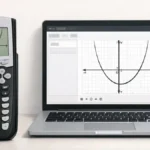
You can also practice finding vertices using the TI 84 Calculator Tool available on this website.
The online calculator allows you to:
- Enter quadratic equations
- Graph parabolas instantly
- Use graph analysis features
- Practice identifying vertex points
The vertex is a key feature of any quadratic graph. Instead of solving equations manually, the TI 84 graphing calculator provides built-in tools that quickly identify the vertex. By entering the equation, graphing the function, and using the calculator’s minimum or maximum option, students can easily locate the vertex coordinates.
- How to Graph Quadratic Functions on TI 84 Calculator
- How to Trace Graphs on TI 84 Calculator
- How to Find Zeros and Intercepts on TI 84 Calculator
Yes. The calculator uses minimum or maximum graph analysis tools.
The TI 84 calculator can find it graphically without solving algebraically.
The vertex is the highest or lowest point of a quadratic graph.
The graph window range may need adjustment.